
These HyperOS 3.1 Apps Just Dropped — Install These Now and Your POCO or Redmi Will Feel Brand New
I’ll be honest with you. I wasn’t planning to write anything today. Then I opened my POCO, checked the update queue, and my jaw dropped. A fresh wave of HyperOS 3.1 apps just landed — and some of them are so good that I had to drop everything and put this together for you.
The HyperOS 3.1 apps hitting devices right now aren’t just minor bug fixes. A few of them are rewritten entirely in Rust — Xiaomi’s new programming language — which means they’re lighter, faster, and built for the future. I’ve gone through each one personally. I’ll tell you what’s worth installing immediately, what you need to be careful about, and the one update that might actually break something you love.
Let’s get into it.
The HyperOS 3.1 Apps You Need to Install Right Now
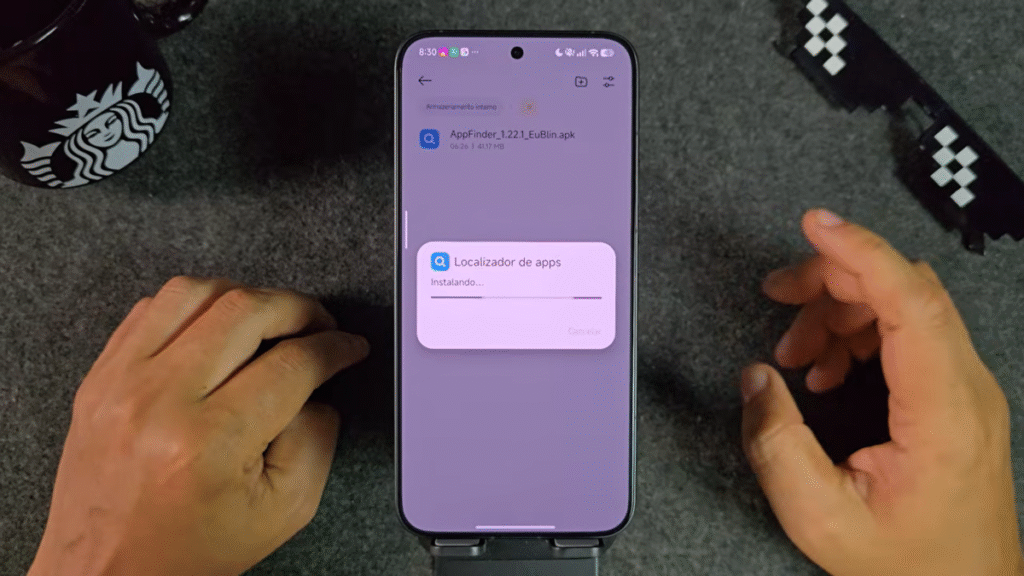
App Finder — Version 1.22.1
This one flew under the radar, but it shouldn’t have. The App Finder is the engine behind your device’s search center — the place you swipe to when you need to find anything fast.
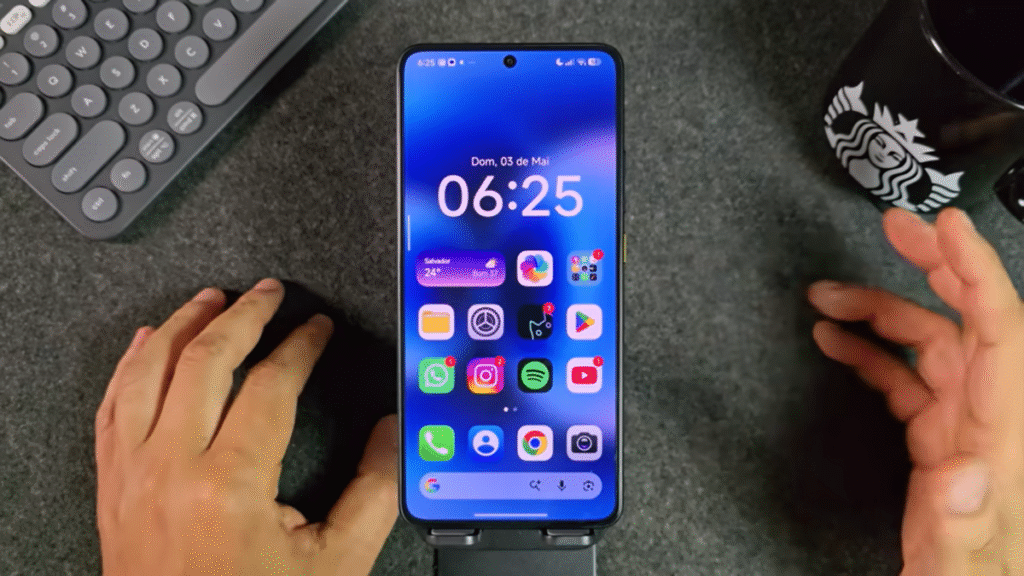
Version 1.22.1 brings a cleaner layout and a smarter experience overall. I updated mine and immediately went to test it. You can reposition the search bar to the bottom of the screen if that’s more comfortable for your thumb. The AI-powered features are all grouped neatly up top — text recognition, image recognition, and the Xiaomi Hyper AI assistant are all right there.
What I love most: you can pull up the search center straight from your home screen and search for music, contacts, notes, system settings, and even messages without ever opening an app. I searched for a song I listen to constantly and it pulled it up instantly, ready to open in Spotify. That kind of speed is what good software feels like. This update is safe and I recommend it for everyone, no matter what version of HyperOS you’re on.
Weather App — RUST Version (HyperOS 3.1 ONLY)
Stop. Before you tap install on this one, read this first.
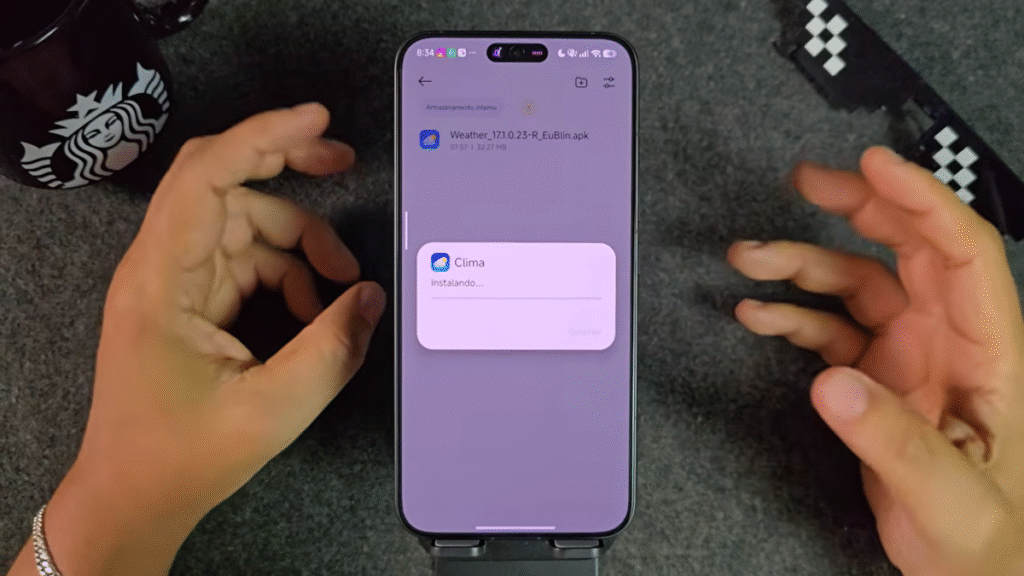
The new Weather app is the most exciting update in this batch — but it comes with a hard rule. This version is built in Rust and is only compatible with HyperOS 3.1. If you’re running HyperOS 3.0 or anything older, do not install it. It will not work the way you expect.
I know that feels frustrating when you see a shiny new version sitting there. But this is actually a massive moment for Xiaomi users to pay attention to. The Rust language rewrites mean apps become practically independent — they run leaner, use less memory, and perform better across the board. Xiaomi is actively rewriting all of its system apps in Rust starting with HyperOS 3.1, and this Weather app is one of the first examples of what that looks like in practice.
Think of it this way: Xiaomi is quietly cutting out all the old MIUI code that’s been slowing things down for years. By HyperOS 4, it’ll all be gone. The Weather app in Rust is your first real taste of that future — but only if your device is already on HyperOS 3.1.
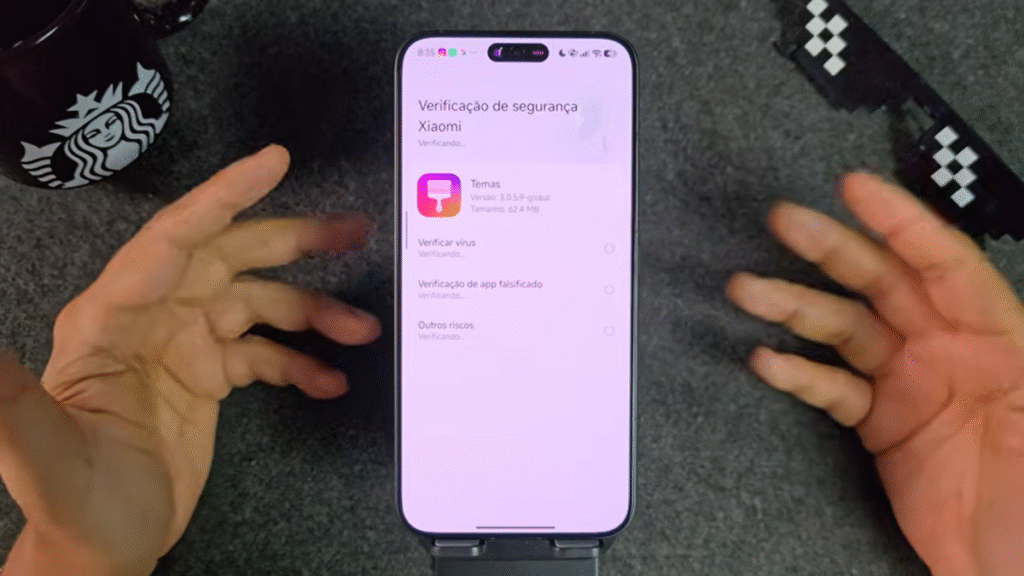
Themes App — Updated, Recommended for HyperOS 3+
The Themes app got a fresh update and it’s working perfectly. If you care about personalizing your device — and based on the community I’ve seen, a lot of you do — this is a straightforward install.
Everything that runs through the Themes app still works as expected: lock screen customization, Always On Display, Mia Paper integration, and Control Center themes. I applied a new theme to my control center while testing and it snapped in without a single glitch. The whole system still flows exactly as it should.
The only thing worth noting here is the official recommendation: this version is designed for HyperOS 3 and above. If you’re still on an older version, it may not behave correctly. But for most people reading this, that won’t be an issue — especially with HyperOS 3.1 rolling out to POCO and Redmi devices at speed right now.
Security App — Version 2.6.x (Global Version)
This one is interesting, and I want to be upfront about one thing before I tell you to install it.
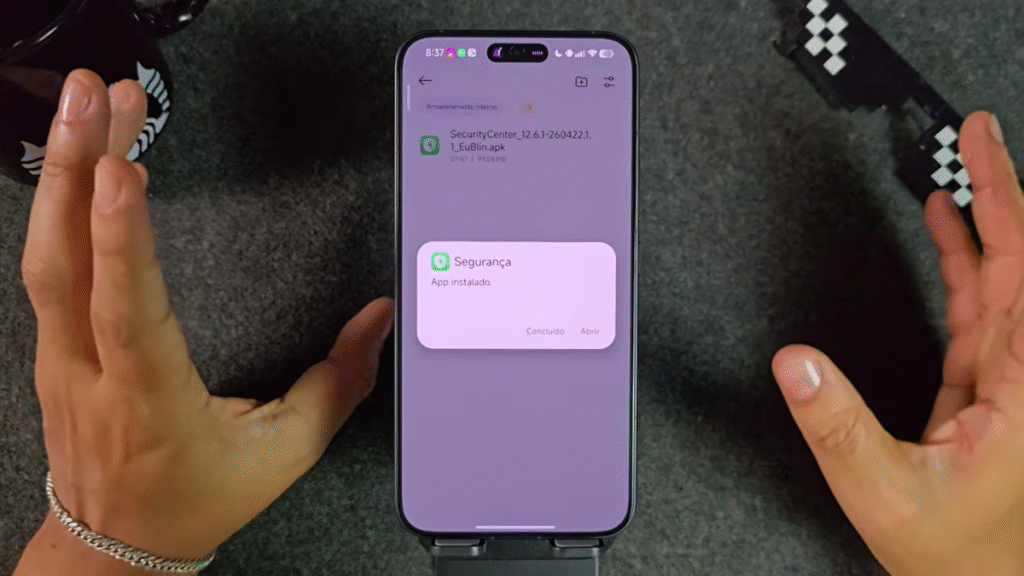
The updated Security app (global version 2.6.x) brings a redesigned home screen with a new App Manager section right on the main page. From there, you can search for any installed app, push updates to it, and manage it without digging through Settings. The icons throughout the app got a redesign too — cleaner and more consistent with the overall HyperOS aesthetic.
Here’s the catch: Xiaomi forgot to translate the “Clear Memory” section into English. Everything else is localized correctly, but that one corner still shows the Chinese-influenced version. It’s a minor oversight that honestly doesn’t affect functionality at all. The battery protection settings, charging options, and noise reduction feature all work perfectly. I made a test call specifically to verify the noise reduction toggle — it’s active and working.
One longtime UI bug is also still present: the “Toolbox” label overlaps the settings gear icon in certain views. Xiaomi has known about this for a while and hasn’t fixed it. It’s cosmetic, and it doesn’t impact anything. Still, worth knowing so you’re not confused when you see it.
File Manager — Chinese Version Only
Quick heads-up on this one. A new File Manager update dropped, but it’s the Chinese version only. If you’re running a global ROM, skip it. Installing the wrong regional version of a system app can cause display issues and compatibility conflicts that are annoying to undo.
If you’re on a Chinese ROM and want the latest version, it’s there and ready to go. For everyone else — wait for the global version to roll out.
The One Update You Might Want to Roll Back
Now for the update I keep getting questions about. Volt (IPVT) version 69 is out, and I want to be completely straight with you about what it does and doesn’t do.
This is the latest version and it works fine in most ways. However — and this is important — version 69 removes the ability to add theme widgets from the Android widgets panel. If you go into your widgets section, the theme widget option is simply gone.
For me personally, that’s not a dealbreaker. I only use dynamic widgets occasionally. But if you rely on theme-based widgets for your home screen setup, this update will break that part of your experience. The fix, for now, is a downgrade.
Here’s how to do it: open your recent apps, hold down the top of the IPVT app, and search for the downgrade option. Reinstall version 68, which is the last build that still supports theme widgets.
I’ll be honest — I don’t think this is a bug. It feels like a deliberate removal. Some theme clock widgets have already been disappearing from the selector for a while now. Xiaomi may be phasing this feature out entirely. You can still downgrade today, but that window will eventually close as newer mandatory updates push through.
Why the Rust Rewrite Actually Matters for Your Device
I want to take a moment here because this is something that deserves more attention than it usually gets.
When Xiaomi says apps are being rewritten in Rust, it’s not marketing language. Rust is a systems programming language that eliminates an entire category of memory-related bugs and crashes. Apps built in Rust are fundamentally more stable, start faster, and use less RAM than their older counterparts.
More importantly for the long-term picture: Xiaomi has said they’re removing all legacy MIUI code from HyperOS 4. The Rust rewrites happening in HyperOS 3.1 right now — the Weather app being the clearest example — are laying the foundation for that. Every Rust-based app that ships is one less piece of old code that has to be cleaned up later.
If your device is already on HyperOS 3.1, you’re in the first wave of users experiencing this shift. That’s actually a meaningful thing.
What’s Happening With HyperOS 3.1 Right Now — The Bigger Picture
While these individual app updates are rolling out, the broader HyperOS 3.1 deployment is moving fast. The POCO Launcher update that brought iOS-style recents to HyperOS 3 was one of the first signs that this version cycle was going to be different — more ambitious, more polished. That launcher change alone changed how a lot of people interact with their home screen every single day.
If you haven’t seen what that update looks like in action, I’d recommend checking it out. The iOS-style app switcher feels more natural for thumb navigation, and it’s the kind of quality-of-life improvement that makes you wonder why it wasn’t always this way. It’s a small thing on paper that turns out to be a big deal in daily use.
The rollout hasn’t been without complications, though. Some Xiaomi devices running non-standard ROMs have run into update walls — which is why I’ve pointed people toward the complete 2026 guide on forcing HyperOS 3 on unsupported Xiaomi ROMs when they hit those blocks. If you’ve been stuck on an older build because of a regional ROM restriction, that guide walks through the process without requiring you to wipe your device. It’s the kind of solution that turns a frustrating afternoon into a five-minute fix.
The Dynamic Island Update Is Worth Knowing About
One of the most visually striking changes in recent HyperOS builds has been what’s happening with the Dynamic Island equivalent. Xiaomi’s version has been evolving rapidly, and the HyperOS 3.1 Dynamic Island design overhaul is genuinely impressive — especially compared to where it started.
I was skeptical at first. A lot of Android implementations of this concept feel like cheap imitations. But what Xiaomi has built in HyperOS 3.1 is something with real utility. Live activity support, real-time media controls, and now more app integrations than before. It doesn’t feel like a copy — it feels like a different take on the same idea with its own logic.
If your device recently updated and you haven’t explored this yet, it’s worth five minutes of your time. The settings aren’t always obvious, but once you configure it for your most-used apps, it becomes one of those things you’d never want to go back from.
Which Devices Are Getting HyperOS 3.1 Right Now
Here’s a current snapshot of where the rollout stands:
| Device | Region | Status | HyperOS Version | Patch |
|---|---|---|---|---|
| POCO X7 Pro | Global | Public Release | HyperOS 3.1 | April 2026 |
| Xiaomi 14 Ultra | Global / EU | Public Release | HyperOS 3.1 | April 2026 |
| Xiaomi 15T | Russia | Public Release | HyperOS 3.1 | April 2026 |
| Xiaomi 15T Pro | Japan | Public Release | HyperOS 3.1 | April 2026 |
| POCO F6 Pro | EU / Russia | Public Release | HyperOS 3.1 | April 2026 |
| Xiaomi 14T | Global | Public Release | HyperOS 3.1 | April 2026 |
| POCO X7 / Redmi Note 14 Pro 5G | China | Public Release | HyperOS 3.1 | May 2026 |
| POCO X6 Pro | CN / TW / RU | HyperOS 3 (3.1 incoming) | HyperOS 3 | April 2026 |
| Redmi Note 15 Pro Plus 5G | Global / India | Public Release | HyperOS 3 | April 2026 |
| Xiaomi 15 Ultra | Global | Public Release | HyperOS 3.1 | April 2026 |
Links Download Apps:
AppVault_13.68.0_apk
SecurityCenter_12.6.1-260422.1.1_apk
ThemeManager_3.0.5.9-global_apk
Weather_17.1.0.23-R_apk
AppFinder_1.22.1_apk
Cleaning_1034.1.260507_apk
If your device made the list in the full HyperOS 3.1 rollout covering POCO X7 Pro and 15+ Xiaomi devices updated today, the notification is either already on your phone or it’s days away. Go to Settings > About phone > System update and check manually — don’t wait for it to pop up on its own.
The rollout has been moving in a clear pattern. POCO F6 Pro went live in Europe and Russia at the same time, Xiaomi 14T followed shortly after, and POCO X6 Pro is now right on the edge of going public globally. The full breakdown of HyperOS 3.1 spreading to POCO F6 Pro, Xiaomi 14T, and POCO X6 Pro shows exactly where each device is in the queue and what to expect in terms of timing. If your phone isn’t on the list yet, this article is the fastest way to figure out when it will be.
The April 13 Update Wave — What It Means Going Forward
One of the most significant single-day rollouts this year happened on April 13, 2026. The complete list of Xiaomi, Redmi, and POCO devices updated on April 13, 2026 covers dozens of devices across multiple regions — and it marked the point where HyperOS 3.1 stopped being an early-adopter thing and became the new standard.
What that date tells me is that Xiaomi finished its internal validation process and committed to a full public push. The pace since then has accelerated. We’re now seeing devices in entirely different price brackets get the same update in the same week — something that wasn’t happening at this speed a year ago. If you’ve been on the fence about whether Xiaomi takes long-term software support seriously, the April 13 wave is a pretty compelling answer.
Quick Highlights
- App Finder v1.22.1 — safe for all users, improved AI search features, fully worth updating
- Weather app (Rust version) — only install if you’re on HyperOS 3.1; this is Xiaomi’s future in action
- Themes app — clean update, all customization features intact, recommended for HyperOS 3+
- Security app v2.6.x — new App Manager on main screen, minor untranslated section, fully functional
- File Manager — Chinese version only this round; global users should wait
- Volt (IPVT) v69 — latest version, but removes theme widgets; downgrade to v68 if you use them
- POCO X7 / Redmi Note 14 Pro 5G — HyperOS 3.1 confirmed with May 2026 patch, global rollout imminent
- Rust rewrite program is real and accelerating — apps are genuinely getting faster and lighter
- Always update over Wi-Fi for large system packages (some are 6–8 GB)
- Manual check: Settings > About phone > System update — don’t wait for the notification
FAQ
Are these HyperOS 3.1 app updates safe to install? Most of them are. App Finder, Themes, and the Security app are safe for all users. The Rust-based Weather app is only safe on HyperOS 3.1 — don’t install it on older versions.
What is the Rust rewrite and why does it matter? Xiaomi is rebuilding its system apps using the Rust programming language, starting with HyperOS 3.1. Rust apps are lighter, faster, and more stable. By HyperOS 4, all legacy MIUI code will be replaced. The Weather app is one of the first examples you can actually install today.
Why does the new Volt update remove theme widgets? Version 69 of Volt (IPVT) removes the option to add theme widgets from the Android widget panel. It may be a bug, but it looks intentional based on broader changes Xiaomi has been making. To get widgets back, downgrade to version 68.
How do I check if my POCO or Redmi has HyperOS 3.1 available? Go to Settings > About phone > System update and tap “Check for updates.” Don’t wait for a notification — the OTA sometimes takes days longer to push automatically than it does when you check manually.
Is the File Manager update safe for global users? No. The File Manager update that just dropped is the Chinese version. Installing it on a global ROM can cause display issues. Wait for the global version.
What’s the difference between HyperOS 3 and HyperOS 3.1? HyperOS 3.1 is an incremental update built on Android 16. It includes interface refinements, new AI features, the Rust-based app rewrites, improved Super Island, and the new Passwords app with end-to-end encrypted sync. It’s not a full version jump, but it’s more than just a patch.
When will the POCO X7 get HyperOS 3.1 in the US? The China (CN) region already shows Public Release status. Global rollout typically follows within 7 to 14 days based on Xiaomi’s historical pattern. Check your update screen manually — it may already be there.
Can I install HyperOS 3.1 if my device isn’t officially supported? Some users have had success forcing the update on non-standard ROMs. There’s a detailed process available for that, but it carries some risk. Make sure you back up your data before attempting it.
Author’s Take
I’ve been covering Xiaomi software updates for a long time. And I want to be real with you: what’s happening right now with HyperOS 3.1 is more significant than it looks on the surface.
The Rust rewrite isn’t a footnote in a changelog. It’s Xiaomi making a structural bet on the future of its software. Every app they rebuild in Rust is lighter, more stable, and one step closer to cutting the last threads of MIUI that still exist underneath the surface. The Weather app that dropped today is small. But it’s also a signal.
The Volt situation is the honest part of this update cycle. Not everything is an improvement. Version 69 takes something away, and I’d rather tell you that directly than pretend every update is pure progress. Use the downgrade if you need to. That’s not a failure — that’s knowing your own setup.
If you’ve been waiting to engage with HyperOS 3.1 — waiting for it to feel “finished,” waiting for your favorite apps to catch up — I think today’s batch of updates is the clearest sign yet that the wait is over. The apps are here. The system is ready. Your phone is ready.
Install what makes sense for your device, skip what doesn’t, and keep your update screen open this week. The POCO X7 and Redmi Note 14 Pro 5G notification is coming. When it does, you’ll want to be ready.