
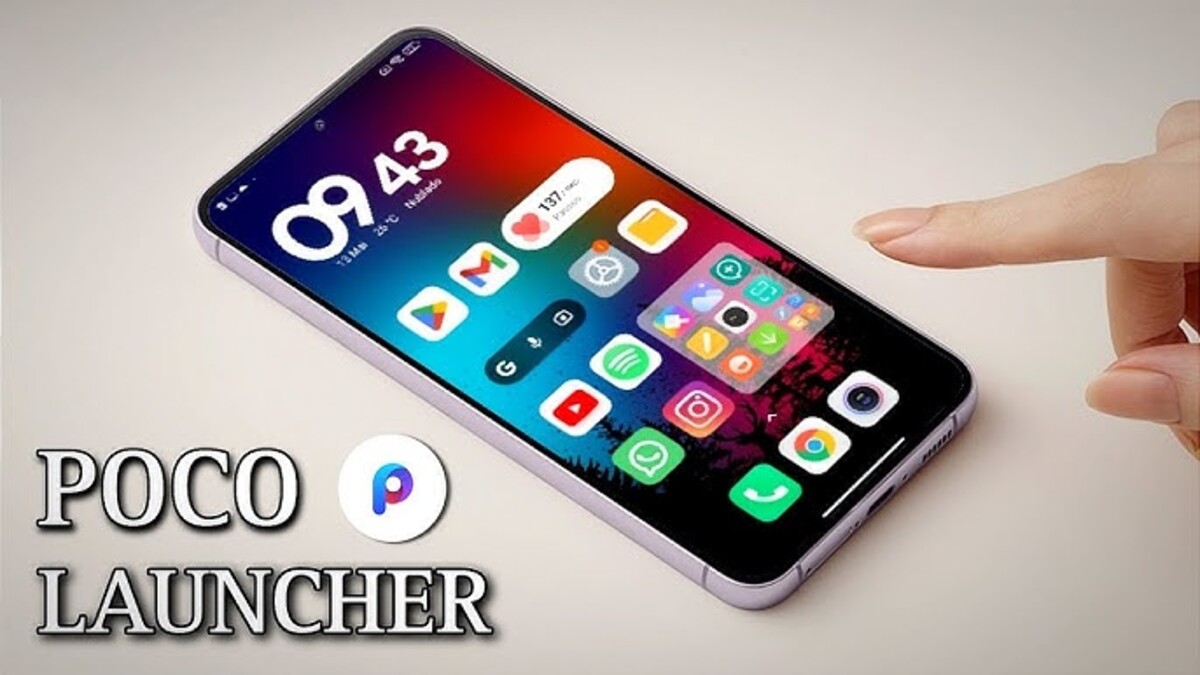
New Poco Launcher Update: Install Now and Transform Your Poco Device
The Poco Launcher has just received a major update that’s changing the game for Poco smartphone users worldwide. Version 6.01.03.1943-56 brings enhanced performance, smoother animations, and compatibility with both Android 15 and the new Android 16-based HyperOS 3. If you own a Poco device, this update is something you don’t want to miss.
This new version works seamlessly across all Poco device categories. Whether you have an entry-level, mid-range, premium, or flagship model, the Poco Launcher delivers a faster and more responsive experience. The update arrives at a time when Xiaomi is unifying its software ecosystem, bringing professional-grade features to everyday users.
Before diving in, it’s important to know that this launcher update has been optimized for smooth operation. However, performance can vary depending on your specific Android version, device model, and HyperOS build. That’s why creating a backup of your current home screen and launcher version is highly recommended before installation.
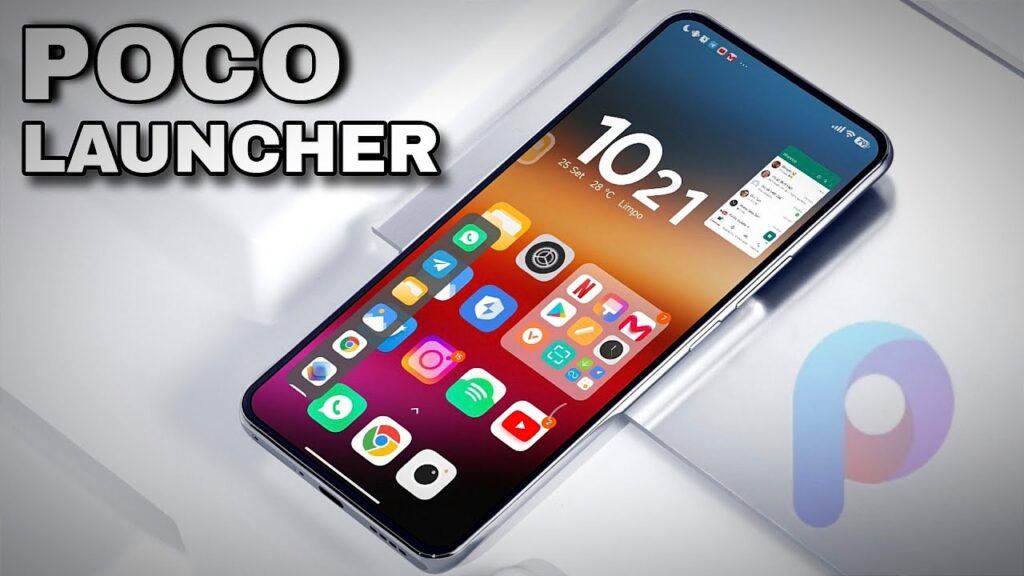
What Makes the New Poco Launcher Special
The latest Poco Launcher update focuses on three core improvements that users notice immediately.
First, multitasking animations are incredibly fast. Opening and closing the recent apps screen feels instantaneous, with no lag or stuttering. The system responds to your gestures with precision, making navigation feel natural and fluid.
Second, the double-tap to lock feature continues to work flawlessly. Some users reported issues with this function in previous versions, but the latest update ensures it remains active after installation. Just verify that the option is enabled in your settings under “Tap twice on empty space to lock screen.”
Third, unlock animations have been refined to feel buttery smooth. The transition from lock screen to home screen happens without any visual hiccups, creating a premium device experience.
Compatibility Across Android Versions
One of the standout features of this Poco Launcher update is its broad compatibility. The launcher works perfectly on both Android 15 and Android 16 systems.
For users still on Android 15, installation is straightforward and causes no conflicts. The launcher adapts to your current system version while delivering all the new features and improvements.
For those who’ve upgraded to HyperOS 3 with Android 16, the launcher takes full advantage of the new system architecture. This means even better performance, smoother animations, and tighter integration with system features.
The version number ending in 56 indicates this is a stable release that has passed extensive testing across multiple device configurations. Xiaomi’s development team has worked to ensure consistent performance regardless of your hardware specifications.
Performance Enhancements You’ll Notice
The new Poco Launcher brings noticeable speed improvements in everyday tasks.
App opening animations are faster and more refined. When you tap an app icon, the opening animation flows smoothly without the small delays that could interrupt your workflow. This is especially important for users who switch between apps frequently throughout the day.
Folder animations now feature improved fluidity. Opening a folder displays your apps with a clean, professional animation that doesn’t slow down the interface. The transition feels modern and polished, similar to flagship devices in higher price ranges.
Floating windows from the sidebar work without issues. You can pin apps, resize windows, and multitask with multiple applications open simultaneously. The system handles these tasks efficiently, maintaining smooth performance even under heavy use.
The sidebar itself responds instantly to swipe gestures. Accessing your favorite apps or tools through the sidebar feels quick and natural, adding convenience to your daily smartphone use.
Installing the Poco Launcher Safely
Installing the new Poco Launcher requires a few simple steps that anyone can follow.
First, download the APK file from a trusted source. The link is typically shared in official Xiaomi community channels or reputable Android forums. Always verify the source before downloading any system application.
Second, use your device’s built-in file manager to install the update. HyperOS includes a native file manager that’s optimized for installing system apps safely. Avoid using third-party file managers for system updates, as they may not handle permissions correctly.
Third, tap the APK file to begin installation. Your device will prompt you to confirm the installation. If you see a warning about installing from unknown sources, you’ll need to grant temporary permission in your settings.
Fourth, restart your device after installation completes. This ensures all launcher components load properly and integrate with your system services.
The entire process takes just a few minutes, and you’ll immediately notice the improvements when your device restarts.
Understanding the Evolution of Poco Launcher
The Poco Launcher has transformed dramatically over the past two years. Users who remember versions from 2023 will appreciate how far the interface has come.
Early versions were functional but lacked polish. Animations felt basic, and customization options were limited. Some users experienced occasional lag during multitasking or when opening folders with many apps.
Modern versions represent a complete overhaul of the user experience. The development team has incorporated user feedback, fixed bugs systematically, and added features that rival premium launchers from other manufacturers.
This evolution reflects Xiaomi’s strategy for the Poco brand. The company positions Poco devices as value-for-money options that deliver flagship-level performance at mid-range prices. The launcher plays a crucial role in this strategy by providing a polished software experience.
However, Poco devices intentionally don’t receive every feature available on Xiaomi’s flagship Mi series. This differentiation maintains the brand hierarchy and gives users a reason to upgrade to higher-tier models if they want absolute top-of-the-line features.
For most users, the Poco Launcher provides more than enough functionality and customization. The balance between features and simplicity makes it appealing to both casual users and Android enthusiasts.
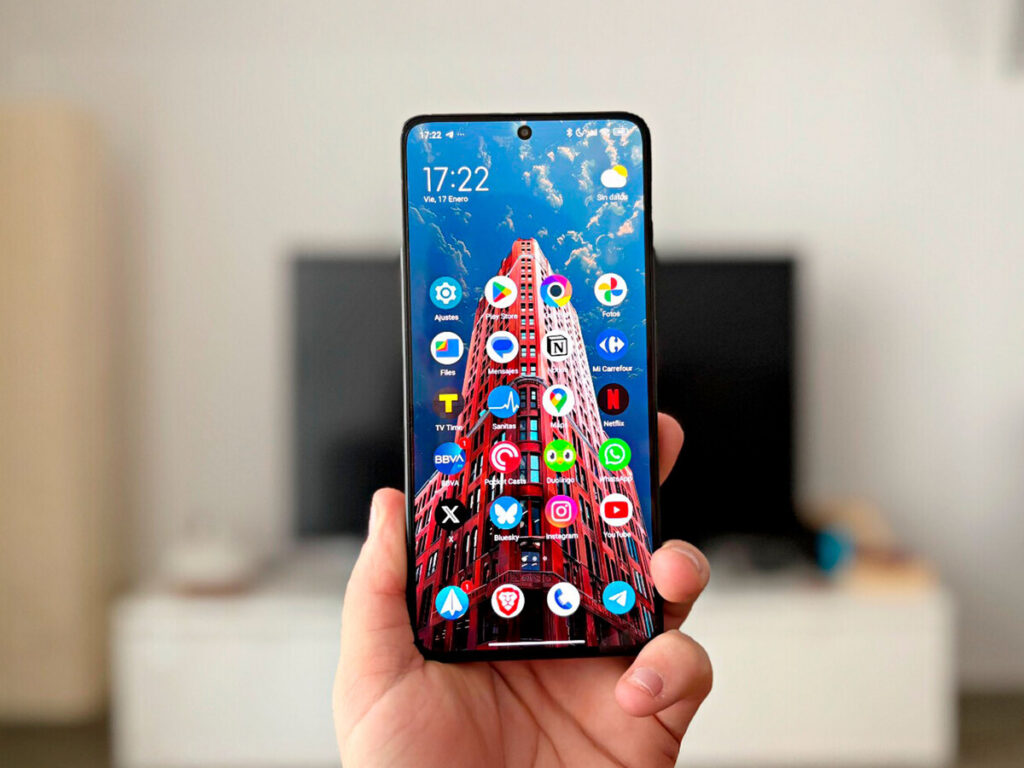
HyperOS 3 Integration and Benefits
For users running HyperOS 3, the new Poco Launcher offers enhanced integration with system features.
The integrated research center works seamlessly when you swipe down on the home screen. This feature provides quick access to search functionality, making it easy to find apps, contacts, files, and settings without navigating through multiple menus.
System animations are synchronized with HyperOS 3’s overall design language. Everything from app transitions to folder openings follows a consistent visual theme that makes the interface feel cohesive and thoughtfully designed.
Performance optimizations in HyperOS 3 complement the launcher improvements. The operating system manages memory more efficiently, allocates resources intelligently, and maintains smooth performance even when running multiple demanding apps.
Gaming performance benefits from these optimizations as well. The launcher minimizes background processes during gameplay, ensuring maximum system resources are available for your games. This results in higher frame rates and more stable performance during extended gaming sessions.
If you’re passionate about mobile gaming or use your Poco device for intensive tasks, the combination of HyperOS 3 and the updated Poco Launcher delivers noticeable improvements.
The Xiaomi ecosystem continues evolving with each system update, and staying current with launcher versions ensures you benefit from all the latest optimizations and features. You can track all HyperOS developments through the comprehensive HyperOS 3 Global Update Tracker in Real Time, which provides detailed information about release schedules and regional availability.
Comparing Poco Launcher with Alternatives
Understanding how the Poco Launcher compares to other options helps you make an informed decision.
The HyperOS Launcher is Xiaomi’s flagship interface designed for premium devices. It features advanced blur effects, sophisticated animations, and a modern aesthetic that emphasizes visual polish. However, it can feel slightly heavier on mid-range devices compared to Poco Launcher.
The Poco Launcher prioritizes speed and simplicity. It delivers essential features without unnecessary visual effects that could slow down performance on budget or mid-range devices. This makes it ideal for users who value responsiveness over elaborate animations.
Customization differs between the two launchers as well. Poco Launcher supports third-party icon packs, allowing users to completely change their home screen appearance. HyperOS Launcher focuses more on system-wide design consistency, with limited icon customization options.
Both launchers include useful features like double-tap to lock, customizable grid layouts, and folder organization tools. The main difference lies in visual presentation and system resource usage.
For a detailed comparison of features, performance, and user experience, check out our comprehensive guide on HyperOS Launcher vs Poco Launcher, where we break down the strengths and weaknesses of each option with real-world examples.
Device Compatibility Recommendations
Not all Poco devices will benefit equally from this Poco Launcher update.
High-end and flagship Poco models handle the new launcher effortlessly. Devices like the Poco F7, Poco X7 Pro, and Poco F6 Pro deliver smooth performance with all animations and features working as intended.
Mid-range premium devices also perform well. Models in this category have enough processing power and RAM to run the launcher smoothly while maintaining good battery life and system stability.
Entry-level and low-RAM devices may experience limitations. While the launcher will install and function on these devices, some animations might not display, and performance could be less fluid during heavy multitasking.
If you own a budget Poco device, consider whether the potential performance impact is worth the new features. Sometimes staying with your current launcher version provides a more stable experience on lower-end hardware.
The Poco X7 Pro recently received the HyperOS 3 update globally, bringing significant improvements to performance and features. Read more about this in our article about HyperOS 3 Global Poco X7 Pro Update, which covers everything you need to know about the latest system developments for this popular model.
Key Features Worth Highlighting
The new Poco Launcher includes several features that enhance daily usability.
Customizable grid layouts let you choose how many app icons fit on each home screen page. Options typically include 4×6, 5×7, and 5×9 configurations, giving you control over icon density and visual organization.
The app drawer remains a default feature, which many Android users prefer over the iPhone-style all-apps-on-home-screen approach. This keeps your home screens clean while maintaining quick access to all installed applications.
Gesture controls work reliably across the interface. Swipe up to access the app drawer, swipe down for notifications or search, and swipe from the side to activate the sidebar. These gestures feel natural and responsive.
Widget support allows you to add functional elements to your home screens. Weather widgets, calendar views, music controls, and productivity tools integrate seamlessly with the launcher’s visual design.
Folder customization options include naming, icon selection, and background color choices. You can organize apps logically and make folders visually distinct for easier navigation.
Troubleshooting Common Issues
If you encounter problems after installing the new Poco Launcher, several solutions usually resolve them.
If animations feel sluggish, check your developer options settings. Reducing animation scale to 0.5x can improve perceived speed, though this is usually unnecessary with the latest launcher version.
If the double-tap to lock feature stops working, verify the setting is enabled. Navigate to Settings > Home Screen > Double-tap empty space to lock, and ensure the toggle is active.
If apps don’t appear correctly on your home screen, clearing the launcher cache often helps. Go to Settings > Apps > Poco Launcher > Clear Cache. Your home screen layout will remain intact while refreshing the launcher’s temporary files.
If you experience crashes or instability, restore your backup and reinstall. Sometimes installation errors occur due to interrupted downloads or corrupted APK files. Downloading from a different source or trying again usually resolves this.
For persistent issues, you can uninstall launcher updates through Settings > Apps > Poco Launcher > Uninstall Updates. This reverts to the factory version while allowing you to keep your home screen layout.
The Future of Poco Launcher Development
Xiaomi continues developing and improving the Poco Launcher with regular updates.
Recent developments suggest Xiaomi may be working toward unifying Poco Launcher and HyperOS Launcher in the future. This would streamline development, reduce code redundancy, and ensure users receive features and bug fixes simultaneously across all device tiers.
Version numbers across different Xiaomi and Poco devices have begun converging, indicating shared codebases. This is especially evident in tablet devices, where Poco Pads now use launchers nearly identical to Xiaomi Pads.
From a software development perspective, unification makes sense. It allows Xiaomi’s engineering team to focus resources on creating one excellent launcher rather than maintaining multiple versions with similar features.
For users, this could mean faster update cycles, more consistent feature availability, and fewer bugs. A unified launcher would receive more development attention and benefit from testing across a wider range of devices.
However, Xiaomi will likely maintain brand-specific customizations that preserve the identity of Poco devices. The core functionality may be shared, but visual themes, default settings, and certain features could remain distinct.
The Poco F5 series continues receiving updates and improvements, with HyperOS 3 and Android 15 bringing enhanced performance and new features. Learn more about this in our detailed coverage of the Poco F5 HyperOS 3 Android 15 Update, which explains what users can expect from the latest system software.
Real-World User Experiences
Understanding how real users experience the new Poco Launcher provides valuable context.
Many users report immediate improvements in system responsiveness. The difference is most noticeable when switching between apps quickly or opening folders with many applications inside.
Gaming enthusiasts appreciate the reduced background activity during gameplay. The launcher intelligently minimizes its resource usage when games are active, contributing to better frame rates and smoother graphics.
Photography and content creators value the improved gallery integration. Accessing photos, videos, and recently captured media feels faster, making it easier to share content quickly through social media apps.
Business users benefit from enhanced multitasking capabilities. Running multiple apps simultaneously, using split-screen mode, and managing floating windows all work more efficiently with the updated launcher.
The visual improvements, while subtle, contribute to a more premium feel. Users consistently mention that their Poco devices feel more polished and refined after updating to the new launcher version.
Battery life remains stable or slightly improves for most users. The launcher’s optimizations reduce unnecessary background processes, which can contribute to better power efficiency over the course of a full day.
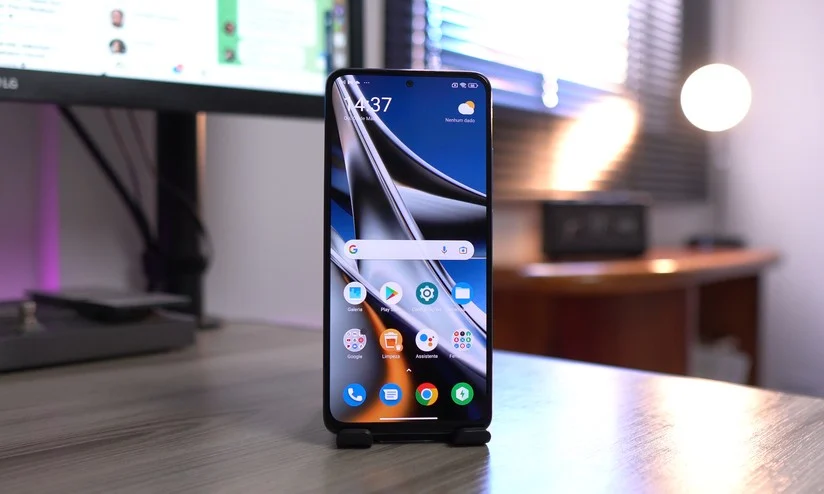
Making the Right Choice for Your Device
Deciding whether to install the new Poco Launcher depends on your specific situation.
If you own a current or recent Poco device with adequate specifications, updating is generally recommended. The improvements in speed, smoothness, and features outweigh any potential downsides for most users.
If you’re running an older device with limited RAM or processing power, research your specific model first. Check user forums and community discussions to see how others with the same device report their experience.
If you value stability above all else and your current launcher works perfectly, you might choose to wait. Sometimes letting new software versions mature for a few weeks reveals and resolves unforeseen issues.
If you’re already on HyperOS 3, the new launcher is almost certainly worth installing. The tight integration between the launcher and operating system delivers benefits you won’t experience with older launcher versions.
Always create backups before making system-level changes. This simple precaution allows you to revert quickly if something doesn’t work as expected on your particular device configuration.
The HyperOS 3 Global rollout continues expanding to more devices across different regions, bringing performance improvements and new features to an increasingly large number of users. Stay informed about when your device will receive the update through our comprehensive article on HyperOS 3 Global Expands Updates, which tracks regional deployment schedules and device eligibility.
Advanced Customization Options
Power users will appreciate the advanced customization options available in the new Poco Launcher.
Icon pack support allows complete home screen redesign. Thousands of third-party icon packs are available through the Play Store, offering themes from minimalist to elaborate, from professional to playful.
Gesture customization lets you assign specific actions to swipe gestures. You can configure swipe patterns to open apps, activate settings, or trigger shortcuts, creating a personalized navigation system.
Transition effects can be customized in launcher settings. Choose from various animation styles when switching between home screens, opening apps, or accessing the app drawer.
Widget placement rules can be adjusted to allow overlapping or enforce strict grid alignment. This flexibility enables creative home screen layouts that go beyond standard organizational patterns.
Backup and restore functionality preserves your entire home screen setup. This is invaluable when switching devices, testing different launchers, or recovering from system resets.
Security and Privacy Considerations
Installing system apps like the Poco Launcher requires attention to security.
Always download APK files from official Xiaomi channels or verified community sources. Unofficial versions may contain modifications that compromise your device security or privacy.
Verify file checksums when possible. Legitimate sources often provide MD5 or SHA checksums that allow you to confirm the file hasn’t been tampered with during download.
Check app permissions after installation. The launcher requires certain permissions to function, but be cautious of any unexpected permission requests that seem unrelated to launcher functionality.
Keep your device security software updated. Modern Android versions include built-in protection against malicious apps, but staying current ensures you benefit from the latest security definitions.
Regular backups protect your data if anything goes wrong during installation or use. Cloud backups through Google Drive or Xiaomi Cloud provide easy recovery options.
Performance Optimization Tips
Getting the most from your new Poco Launcher involves several optimization strategies.
Limit home screen widgets to those you actually use daily. Each widget consumes system resources, and excessive widgets can slow down launcher performance and impact battery life.
Organize apps into folders strategically. Grouping related apps reduces home screen clutter and makes navigation more efficient, while also reducing the number of individual icons the launcher must render.
Disable live wallpapers if you prioritize performance over aesthetics. Static wallpapers use significantly fewer resources and can contribute to smoother overall system performance.
Clear cache periodically to prevent accumulated temporary files from slowing down the launcher. Monthly cache clearing is usually sufficient for most users.
Restart your device weekly to refresh system processes and clear memory. This simple habit maintains optimal performance and prevents minor issues from accumulating.
The Redmi Note 13 Pro and Poco X6 recently joined the HyperOS 3 Global program, bringing advanced features and improved performance to these popular mid-range devices. Discover what these updates mean for users in our article about HyperOS 3 Global Redmi Note 13 Pro Poco X6, which covers installation procedures, new features, and performance improvements.
Community Feedback and Development
The Poco Launcher development benefits from active community participation.
Xiaomi maintains official forums where users report bugs, suggest features, and share experiences. This feedback directly influences development priorities and future update content.
Beta testing programs allow enthusiastic users to test new versions before public release. Participants help identify issues and provide valuable feedback that improves stability before wider distribution.
Community-created guides and tutorials help new users maximize launcher potential. These resources cover everything from basic installation to advanced customization techniques.
Developer engagement through social media and community channels creates transparency in the development process. Users appreciate knowing which features are being worked on and when updates might arrive.
This collaborative approach between Xiaomi and the user community ensures the launcher continues evolving in ways that matter to actual users rather than just theoretical improvements.
Table: Poco Launcher Version Compatibility
| Android Version | HyperOS Version | Poco Launcher Version | Device Category | Compatibility Status |
|---|---|---|---|---|
| Android 15 | HyperOS 2.0 | 6.01.03.1943-56 | Entry-level | Compatible with limitations |
| Android 15 | HyperOS 2.0 | 6.01.03.1943-56 | Mid-range | Fully compatible |
| Android 15 | HyperOS 2.0 | 6.01.03.1943-56 | Premium | Fully compatible |
| Android 15 | HyperOS 2.0 | 6.01.03.1943-56 | Flagship | Fully compatible |
| Android 16 | HyperOS 3.0 | 6.01.03.1943-56 | Entry-level | Compatible with limitations |
| Android 16 | HyperOS 3.0 | 6.01.03.1943-56 | Mid-range | Fully compatible |
| Android 16 | HyperOS 3.0 | 6.01.03.1943-56 | Premium | Fully compatible |
| Android 16 | HyperOS 3.0 | 6.01.03.1943-56 | Flagship | Fully compatible |
| Android 14 | MIUI 14 | 6.01.03.1943-56 | All categories | Not recommended |
| Android 13 | MIUI 13 | 6.01.03.1943-56 | All categories | Not recommended |
Download PocoLauncher_6.01.03.1943
Conclusion: A Worthwhile Upgrade
The new Poco Launcher update represents meaningful progress in Xiaomi’s software ecosystem. For most users, the improvements in speed, smoothness, and functionality make installation worthwhile.
The launcher strikes an excellent balance between features and performance. It provides enough customization to satisfy enthusiasts while remaining accessible to casual users who simply want their device to work smoothly.
Compatibility across Android 15 and Android 16 ensures the launcher remains relevant as devices receive system updates. This forward-thinking approach extends the useful life of your current device.
The evolution of Poco Launcher over the past two years demonstrates Xiaomi’s commitment to improving software experiences across all price points. Budget and mid-range devices deserve polished interfaces just as much as flagships.
If you haven’t already explored the latest developments in Xiaomi’s software ecosystem, consider reading our comprehensive analysis of the HyperOS 3 Global Redmi Note 14 Pro Poco X7, which examines how these updates transform the user experience across multiple device categories.
Key Takeaways
- Poco Launcher version 6.01.03.1943-56 works with both Android 15 and Android 16
- Multitasking performance improved significantly with faster animations
- Compatible with entry-level through flagship Poco devices with varying performance levels
- HyperOS 3 integration provides enhanced features and better system optimization
- Installation requires backing up current launcher and home screen configuration
- Always use official file manager for system app installation
- Double-tap to lock and gesture controls work reliably in new version
- Gaming performance benefits from reduced background activity during gameplay
- Community feedback drives development priorities and feature additions
- Future updates may unify Poco Launcher and HyperOS Launcher codebases
- Customization options include icon packs, grid layouts, and gesture controls
- Security requires downloading from official or verified sources only
Frequently Asked Questions
Does Poco Launcher work on all Poco devices? Yes, but performance varies by device specifications. Premium and flagship models work best.
Can I install this launcher on Android 15? Absolutely. The launcher supports both Android 15 and the newer Android 16 systems.
Will this slow down my phone? No, most users report improved speed. Entry-level devices may see minimal performance impact.
How do I uninstall if I have problems? Go to Settings > Apps > Poco Launcher > Uninstall Updates to revert to factory version.
Does the launcher support third-party icons? Yes, Poco Launcher supports icon packs from Play Store and third-party sources.
Will I lose my home screen layout? No, but create a backup first. Layout typically transfers automatically during installation.
Is this launcher compatible with HyperOS 3? Yes, it’s specifically optimized for HyperOS 3 with enhanced integration and features.
Can I switch back to my old launcher? Yes, either restore from backup or uninstall updates to return to previous version.

Valberth Vas, the expert behind TecnoVas Innovate, is the author of the company’s reviews and guides. His vast experience in the world of technology, with a particular focus on Xiaomi’s innovations, allows him to offer in-depth insights and clear guidance on the current technological landscape.